















Buying a VPS with crypto takes about ten minutes. Staying private takes a few more choices. This guide walks through the order, from picking a coin to the first login, and points out where people accidentally link a server back to themselves.

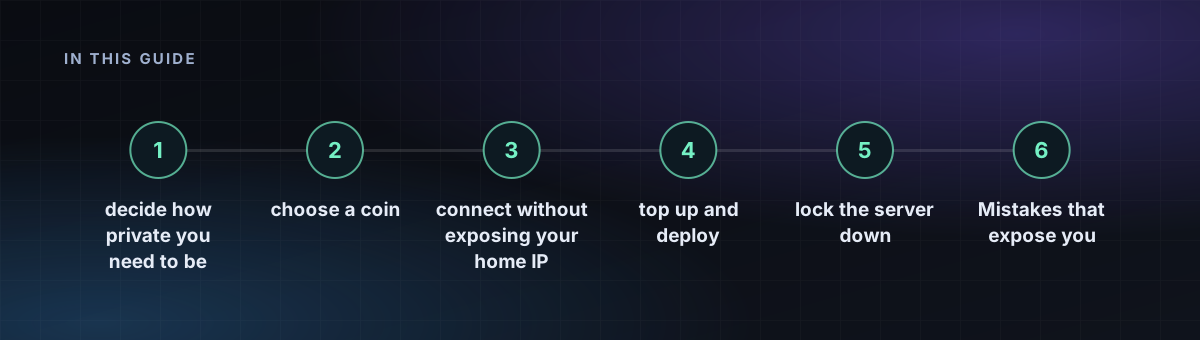
Step 1: decide how private you need to be
"Anonymous" is a scale. Hiding your name from a host is easy. Hiding your payment trail from a determined investigator is much harder. Decide who you want to keep out, then choose the coin and the connection to match. The post on how anonymous anonymous hosting is explains the limits.
Step 2: choose a coin
| Coin | Privacy | Speed and fee |
|---|---|---|
| Monero (XMR) | Private by default | About 2 minutes, low fee |
| Bitcoin (BTC) | Public ledger, traceable | 10 to 30 minutes, variable fee |
| Litecoin (LTC) | Public ledger | Fast and cheap |
| USDT (TRC-20) | Public ledger | Fast and cheap, tied to an issuer |
If privacy is the point, use Monero. See Bitcoin versus Monero and the cheapest coin to pay with.
Step 3: connect without exposing your home IP
Use a VPN or Tor when you create the account and when you log in to the server. Your home IP address is the strongest identifier you have.
Step 4: create a generated login
On our site you sign up with a generated login, with no name, phone or email. Save it in a password manager. It is the only way back into the account.
Step 5: top up and deploy
- Choose Add funds and a coin.
- Send the exact amount to the address shown, on the network shown.
- Wait for confirmations. Your balance updates.
- Pick a plan and a location, then deploy. See how to choose a location.
Our top-up guide has the details, and you can buy directly on the Bitcoin and Monero pages.
Step 6: lock the server down
Apply the 15-minute hardening checklist: SSH keys, a firewall and automatic updates. Then read server OpSec habits.
Mistakes that expose you
- Funding from an exchange account in your own name and calling it anonymous.
- Reusing a username, email or password from another account.
- Logging in from home once.
- Putting your real name in a certificate, WHOIS record or config file.
Frequently asked questions
How do I buy a VPS with crypto?
Create a generated login, add funds by sending a coin to the address shown, wait for confirmations, then choose a plan and location and deploy.
Which crypto is best for an anonymous VPS?
Monero is private by default. Bitcoin, Litecoin and USDT are public ledgers, which makes payments traceable.
Do I need to give my name to buy a VPS with crypto?
Not with a no-KYC host. You only need a generated login, though you should still protect your connection IP.