















Litecoin is one of the easiest chains to run yourself. The software is close to Bitcoin Core, the chain is far smaller and a modest VPS handles it comfortably. This guide installs Litecoin Core on Ubuntu or Debian and shows how to handle MWEB, Litecoin's optional privacy layer.
What you need
- Disk. A full node stores the whole chain, which is a fraction of the Bitcoin chain. Check the current size before choosing. A pruned node uses much less.
- RAM. 4 GB is enough. 8 GB speeds up the first sync.
- CPU. Two cores are fine.
Plans that fit are listed under Litecoin node hosting.
Step 1: prepare the server
Start with a fresh server and the steps in how to secure a new VPS. Create a user for the node.
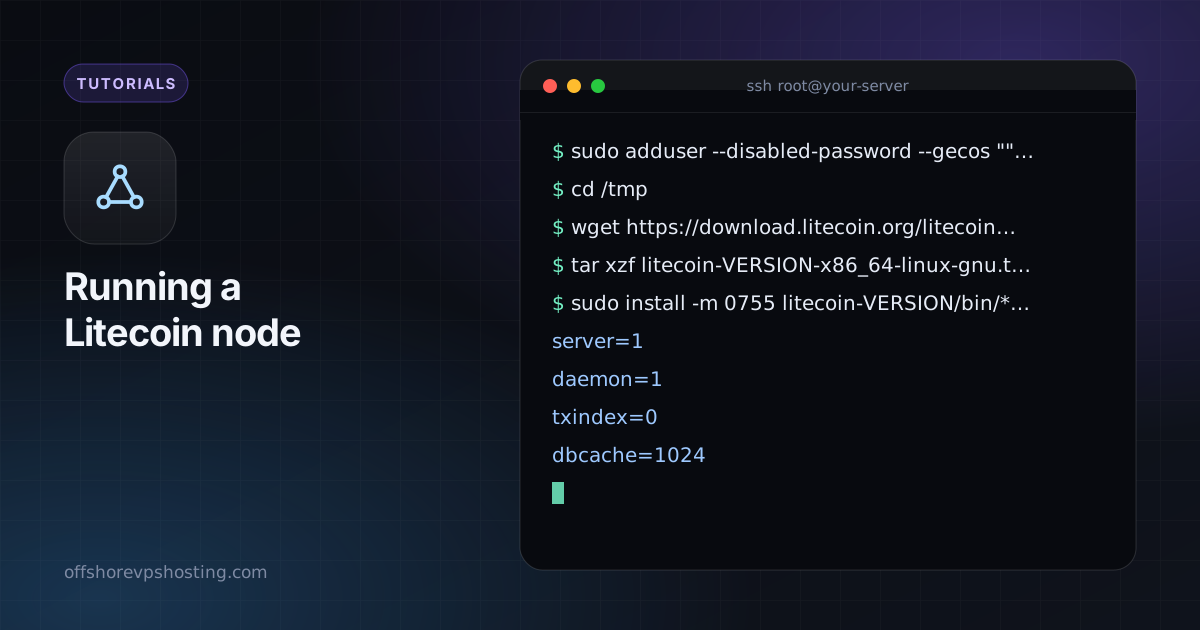
sudo adduser --disabled-password --gecos "" litecoinStep 2: download Litecoin Core
Download the release from the official Litecoin site (litecoin.org) or the Litecoin Project GitHub, then verify the signature and checksum.
cd /tmp
wget https://download.litecoin.org/litecoin-VERSION/linux/litecoin-VERSION-x86_64-linux-gnu.tar.gz
tar xzf litecoin-VERSION-x86_64-linux-gnu.tar.gz
sudo install -m 0755 litecoin-VERSION/bin/* /usr/local/bin/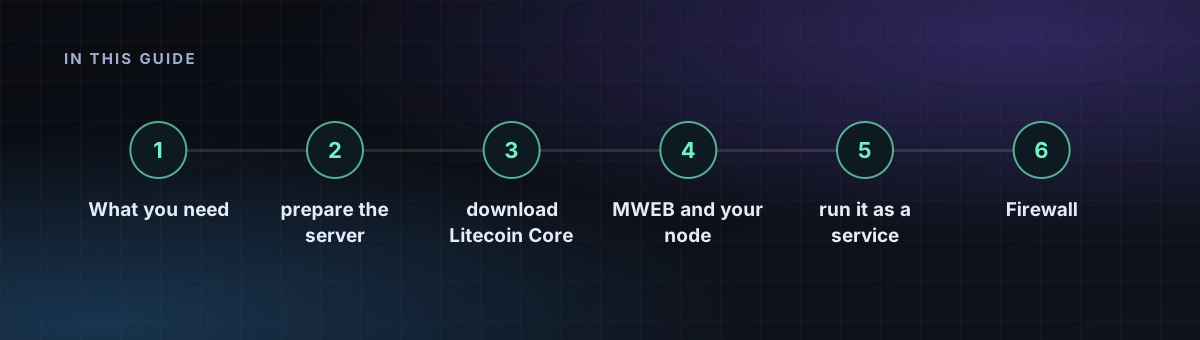
Step 3: configure
Create /home/litecoin/.litecoin/litecoin.conf:
server=1
daemon=1
txindex=0
dbcache=1024
# Smaller disk? Keep roughly the last 5 GB of blocks:
# prune=5000
rpcbind=127.0.0.1
rpcallowip=127.0.0.1
Do not combine prune with txindex=1. If you run a payment service that looks up arbitrary transactions, use a full node with txindex=1 instead.
Step 4: MWEB and your node
MWEB (MimbleWimble Extension Blocks) is built into Litecoin Core. A full node validates MWEB blocks automatically, so you do not need extra settings. A pruned node also validates MWEB data for recent blocks. If you plan to use MWEB addresses in a wallet connected to your node, test with a small amount first.
Step 5: run it as a service
[Unit]
Description=Litecoin daemon
After=network-online.target

[Service]
User=litecoin
ExecStart=/usr/local/bin/litecoind -conf=/home/litecoin/.litecoin/litecoin.conf -pid=/run/litecoind/litecoind.pid
RuntimeDirectory=litecoind
Type=forking
Restart=on-failure
TimeoutStopSec=120

[Install]
WantedBy=multi-user.target
Save it as /etc/systemd/system/litecoind.service, then sudo systemctl enable --now litecoind. Check progress with litecoin-cli getblockchaininfo.
Firewall
Open port 9333 to help the network. Keep the RPC port (9332) closed to the internet.