















Since The Merge, an Ethereum node is two programs working together: an execution client that handles transactions and state, and a consensus client that follows the proof-of-stake chain. This guide runs Geth (execution) and Lighthouse (consensus) on a Linux VPS. The same layout works with other client pairs.
What a full node needs
- Disk. This is the main limit. A full node needs roughly 1 to 2 TB of fast NVMe storage today, and it grows. An archive node needs far more. Check current client documentation for up-to-date sizes before you buy.
- RAM. 16 GB is a comfortable minimum. 32 GB helps during sync and under RPC load.
- CPU. 4 or more cores. Storage speed matters more than clock speed.
- Network. Unlimited traffic on a fast port. Nodes move a lot of data.
Because of the disk size, most people use a dedicated server for Ethereum. See Ethereum node hosting for sized plans.
Step 1: prepare the server
Use a fresh Ubuntu LTS install and apply the steps in how to secure a new VPS. Create users for each client so nothing runs as root.
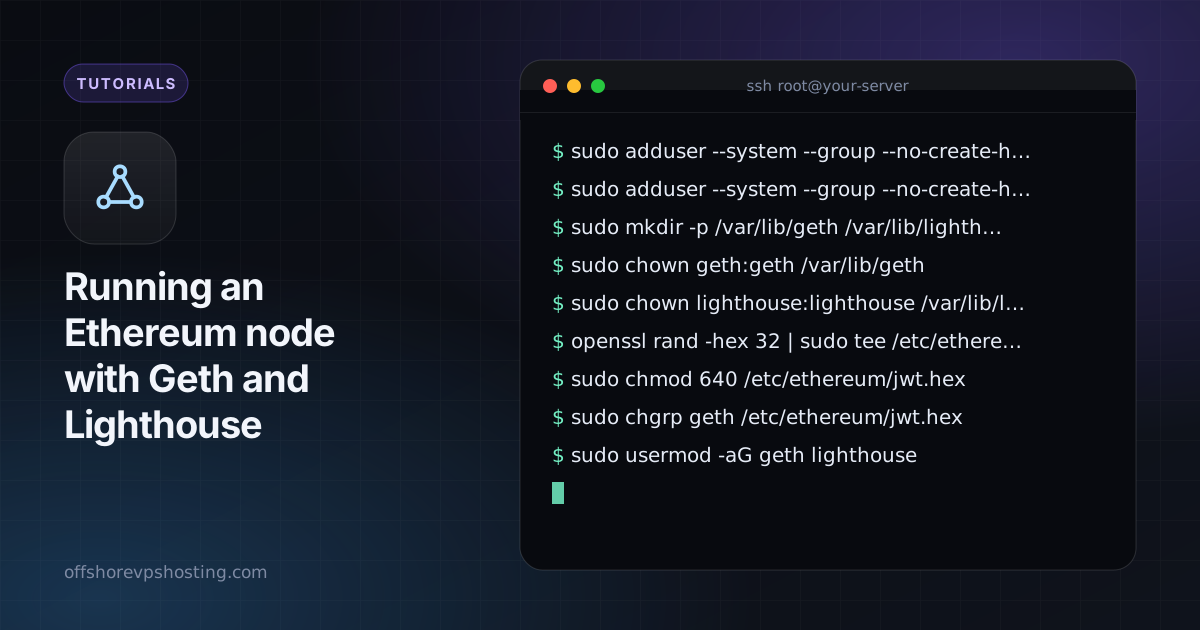
sudo adduser --system --group --no-create-home geth
sudo adduser --system --group --no-create-home lighthouse
sudo mkdir -p /var/lib/geth /var/lib/lighthouse /etc/ethereum
sudo chown geth:geth /var/lib/geth
sudo chown lighthouse:lighthouse /var/lib/lighthouse
Step 2: create a shared JWT secret
The two clients authenticate to each other with a shared secret file.
openssl rand -hex 32 | sudo tee /etc/ethereum/jwt.hex
sudo chmod 640 /etc/ethereum/jwt.hex
sudo chgrp geth /etc/ethereum/jwt.hex
sudo usermod -aG geth lighthouse
Step 3: install and run Geth
Download the stable release from the official Geth downloads page or use the project's package repository, and verify it. Then create /etc/systemd/system/geth.service:
[Unit]
Description=Geth
After=network-online.target

[Service]
User=geth
ExecStart=/usr/local/bin/geth \
  --mainnet \
  --datadir /var/lib/geth \
  --authrpc.jwtsecret /etc/ethereum/jwt.hex \
  --http --http.addr 127.0.0.1 --http.api eth,net,web3
Restart=on-failure
TimeoutStopSec=180

[Install]
WantedBy=multi-user.target
Binding HTTP to 127.0.0.1 keeps the RPC private. Never expose it directly to the internet.
Step 4: install and run Lighthouse
[Unit]
Description=Lighthouse beacon node
After=geth.service

[Service]
User=lighthouse
ExecStart=/usr/local/bin/lighthouse bn \
  --network mainnet \
  --datadir /var/lib/lighthouse \
  --execution-endpoint http://127.0.0.1:8551 \
  --execution-jwt /etc/ethereum/jwt.hex \
  --checkpoint-sync-url https://mainnet.checkpoint.sigp.io
Restart=on-failure

[Install]
WantedBy=multi-user.target
Checkpoint sync lets the consensus client start from a recent trusted state, so it is ready in minutes instead of days. Verify the checkpoint URL against the client documentation before you rely on it.
Step 5: start and watch the sync
sudo systemctl enable --now geth lighthouse
journalctl -u geth -f
curl -s -X POST -H 'Content-Type: application/json' \
  --data '{"jsonrpc":"2.0","method":"eth_syncing","params":[],"id":1}' http://127.0.0.1:8545
false in the result means the node is fully synced. The first sync can take many hours to a few days depending on disk speed.
Firewall and ports
Allow the peer-to-peer ports (30303 TCP/UDP for Geth, 9000 TCP/UDP for Lighthouse by default) so you get good peer counts. Keep 8545, 8551 and 5052 closed to the public internet.