















The Model Context Protocol (MCP) lets AI assistants call tools and read data from servers you run. Many MCP servers run locally, but a remote one on a VPS is useful when several people, tools or agents need to share the same capabilities. This guide covers the setup choices and a safe baseline.
Local or remote MCP?
- Local (stdio). The client starts the server as a child process on your own machine. Simple and private, but only works on that machine.
- Remote (HTTP). The server runs on a VPS and clients connect over HTTPS. This is what you host. It suits shared tools, long-running jobs and tools that need a fixed IP.
Check the current MCP specification for the transport your client supports. Streamable HTTP is the usual choice for remote servers. Sizes for typical workloads are on our MCP server hosting page.
Step 1: prepare the server
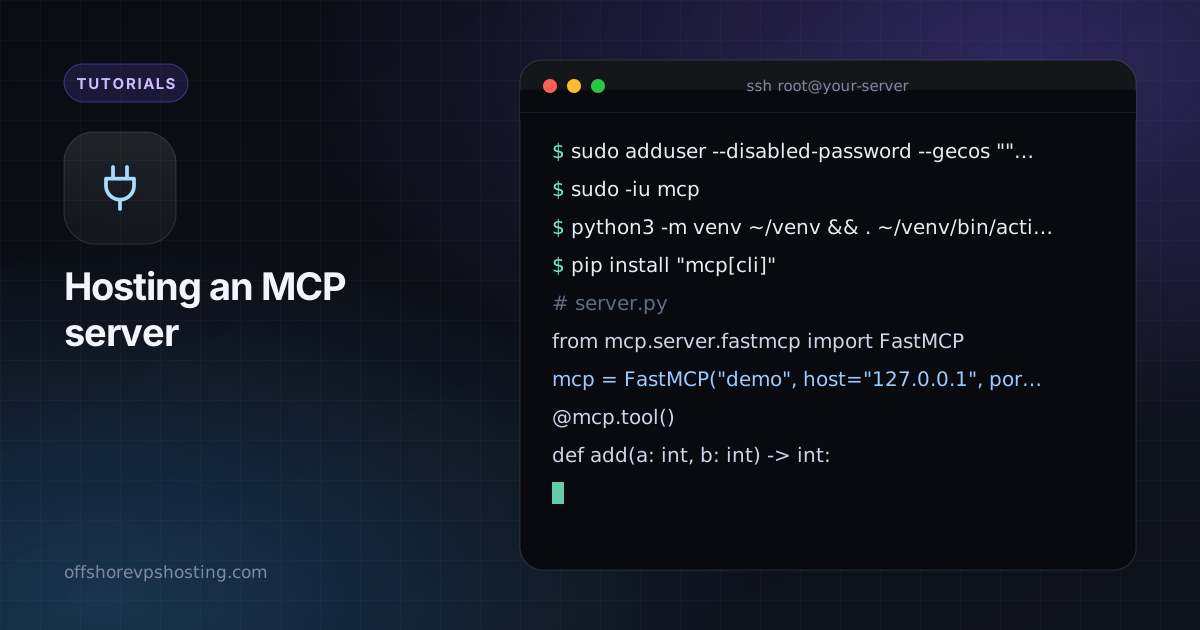
Use a fresh Ubuntu LTS server and the steps in how to secure a new VPS. Create a user for the service.
sudo adduser --disabled-password --gecos "" mcpStep 2: run the server
Use the official SDK or an existing server. This Python example uses the MCP SDK's FastMCP helper:
sudo -iu mcp
python3 -m venv ~/venv && . ~/venv/bin/activate
pip install "mcp[cli]"
# server.py
from mcp.server.fastmcp import FastMCP
mcp = FastMCP("demo", host="127.0.0.1", port=8000)
@mcp.tool()
def add(a: int, b: int) -> int:
"""Add two numbers."""
return a + b
if __name__ == "__main__":
mcp.run(transport="streamable-http")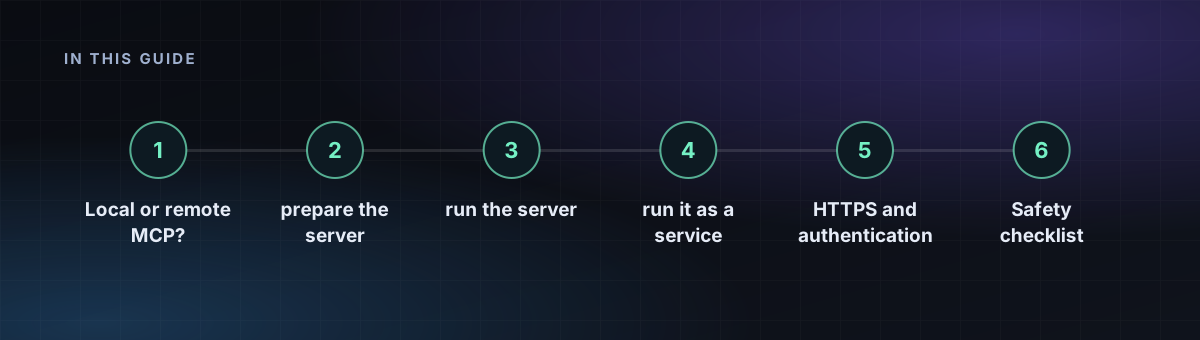
Step 3: run it as a service
[Unit]
Description=MCP server
After=network-online.target

[Service]
User=mcp
WorkingDirectory=/home/mcp
ExecStart=/home/mcp/venv/bin/python server.py
Restart=always

[Install]
WantedBy=multi-user.target
Save it as /etc/systemd/system/mcp.service and run sudo systemctl enable --now mcp.
Step 4: HTTPS and authentication
An MCP server can run code and read data, so never leave it open. Put it behind a reverse proxy with TLS and require a token:
mcp.example.com {
  @noauth not header Authorization "Bearer YOUR_LONG_RANDOM_TOKEN"
  respond @noauth 401
  reverse_proxy 127.0.0.1:8000
}
For a production setup, use OAuth as described in the MCP authorization spec rather than one shared token.
Safety checklist
- Give tools the least access they need. Do not give a tool shell access unless that is the point.
- Keep secrets in environment files with
chmod 600. - Log tool calls so you can see what happened.
- Keep the port bound to 127.0.0.1 and expose only the proxy.