















A Tor onion service lets people reach your site through the Tor network without either side learning the other's IP address. The server dials out to Tor, so it needs no open inbound port at all. This guide sets one up on an Ubuntu VPS, with Nginx serving a small site.
What an onion service gives you
- A
.onionaddress that is derived from a key, so it is self-authenticating and needs no certificate authority. - End-to-end encryption between the visitor and your server, inside Tor.
- No need to expose your server's public IP address to visitors.
It does not make the content of your site legal, and it does not hide mistakes you make elsewhere, such as a clear-web domain pointing at the same machine.
Step 1: install Tor and Nginx
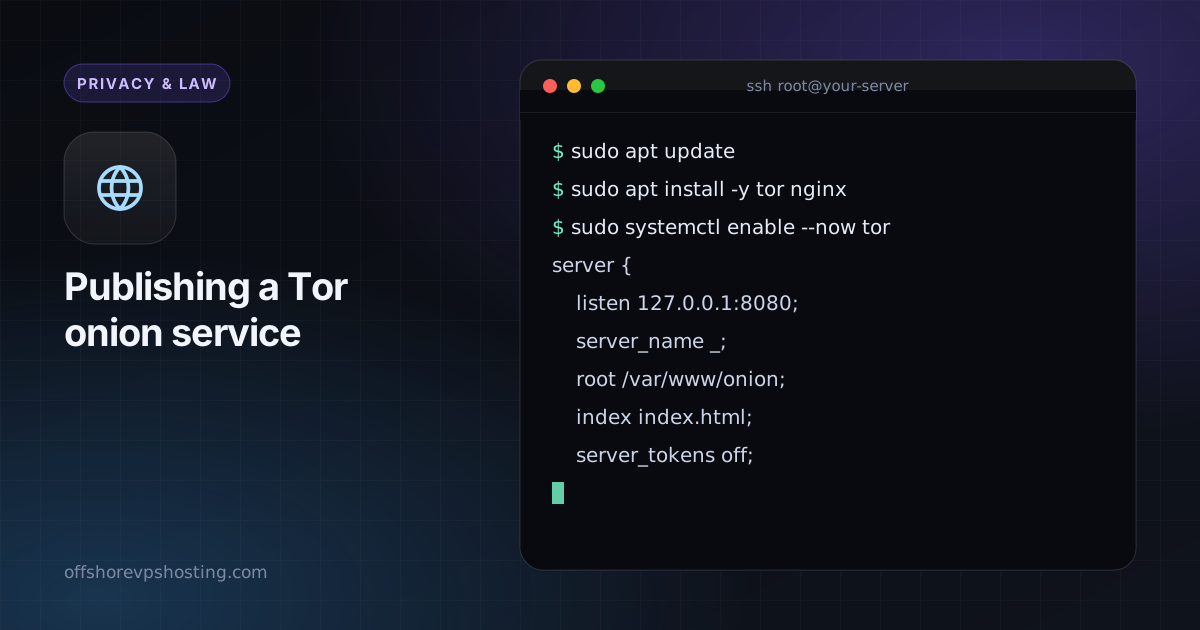
sudo apt update
sudo apt install -y tor nginx
sudo systemctl enable --now tor
Step 2: bind Nginx to localhost only
The web server must not answer on the public interface, or the clear-web IP and the onion site become linkable. Edit your site config so it listens on loopback.
server {
    listen 127.0.0.1:8080;
    server_name _;
    root /var/www/onion;
    index index.html;
    server_tokens off;
}
sudo mkdir -p /var/www/onion
echo '<h1>Hello from onion space</h1>' | sudo tee /var/www/onion/index.html
sudo nginx -t && sudo systemctl reload nginx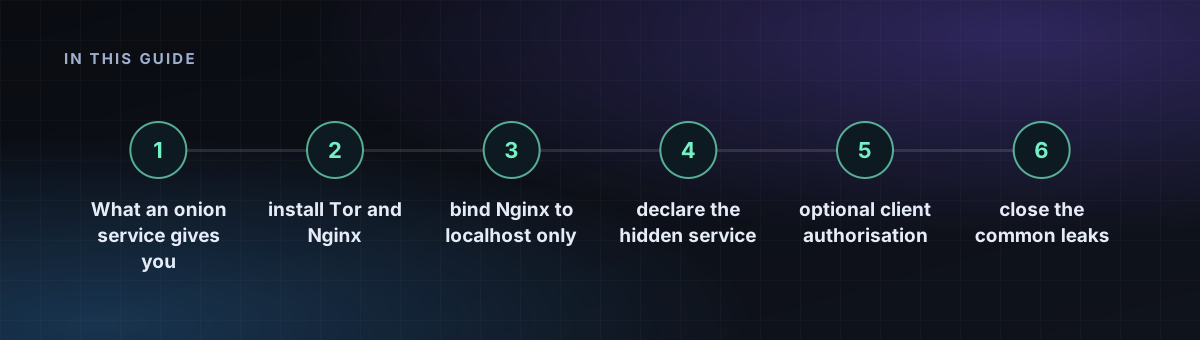
Step 3: declare the hidden service
Add these lines to /etc/tor/torrc:
HiddenServiceDir /var/lib/tor/my_site/
HiddenServiceVersion 3
HiddenServicePort 80 127.0.0.1:8080
sudo systemctl restart tor
sudo cat /var/lib/tor/my_site/hostnameThe last command prints your 56-character .onion address. Open it in Tor Browser to test. Back up the folder /var/lib/tor/my_site/: the key inside it is your address, and losing it means a new address.
Step 4: optional client authorisation
For a private service, add a key that only approved visitors hold. Create the file /var/lib/tor/my_site/authorized_clients/alice.auth with a line in the form descriptor:x25519:PUBLIC_KEY, then reload Tor. Visitors without the matching private key cannot even see that the service exists.
Step 5: close the common leaks
- Never reference clear-web assets, fonts or analytics from your pages.
- Make error pages and headers generic, and keep
server_tokens off. - Keep the server clock accurate; Tor needs it.
- Firewall everything except SSH:
sudo ufw default deny incoming, since Tor needs no inbound port. - Do not run a clear-web site on the same host unless you have separated them completely.
Read server OpSec habits before you publish anything, and use the hardening checklist on a new server.