















Most painful migrations are ordering mistakes, not technical ones. People change DNS first and then find the database is stale. Follow the order below and visitors will not notice the move.
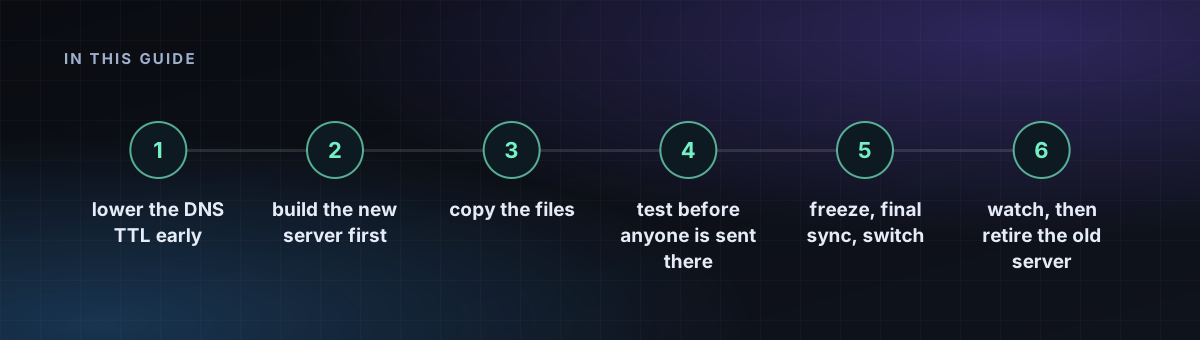
Step 1: lower the DNS TTL early
At least a day before the move, set the TTL on your A and AAAA records to 300 seconds. Caches that already hold the old value need time to expire, so this step cannot be rushed on the day.
Step 2: build the new server first
Create the new VPS, apply the hardening checklist and install the same stack: web server, PHP or Node version, database engine. Matching versions removes most surprises. Copy configuration, not just content.
Step 3: copy the files
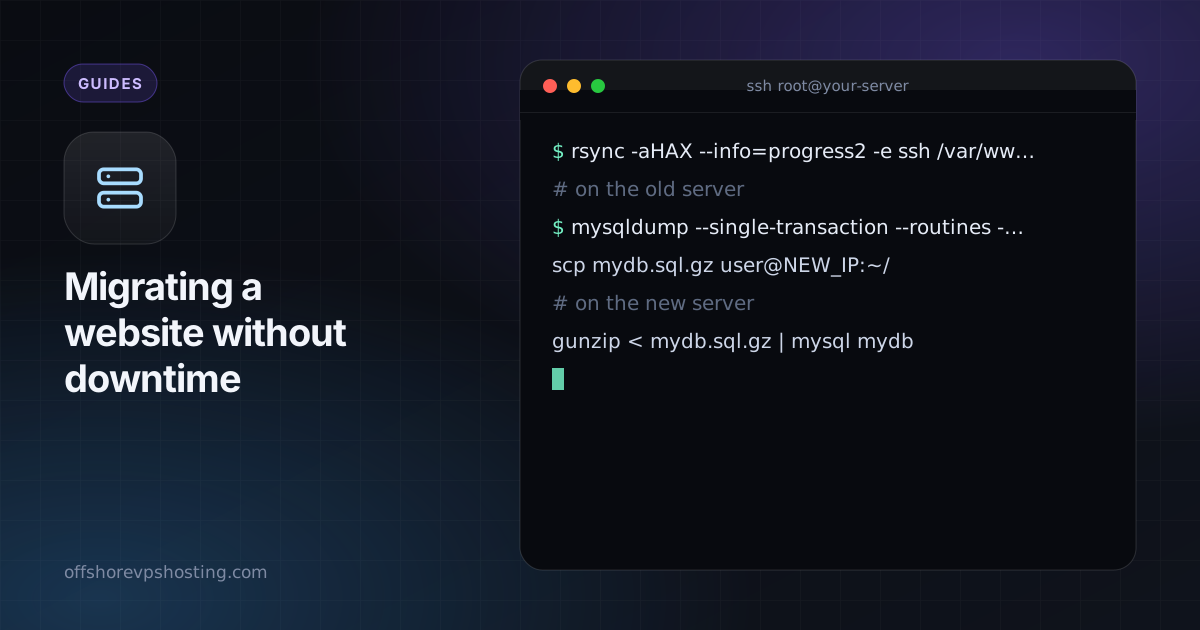
rsync -aHAX --info=progress2 -e ssh /var/www/ user@NEW_IP:/var/www/Run it once now. It is slow the first time and quick on the repeat, which is the point.
Step 4: copy the database
# on the old server
mysqldump --single-transaction --routines --triggers mydb | gzip > mydb.sql.gz
scp mydb.sql.gz user@NEW_IP:~/
# on the new server
gunzip < mydb.sql.gz | mysql mydb
This is a rehearsal. It gives you a working copy to test against.
Step 5: test before anyone is sent there
Point your own computer at the new server by editing its hosts file: add NEW_IP example.com www.example.com. Browse the site, log in, submit a form and place a test order. Fix what breaks while the public still sees the old server. Install the TLS certificate with a DNS challenge so it works before the cutover.
Step 6: freeze, final sync, switch
- Put the old site in maintenance or read-only mode.
- Repeat the
rsyncand the database dump and import. - Change the DNS records to the new IP.
- Remove the hosts-file entry and check from a different network.
The read-only window is usually minutes. For a shop or a site with logins, schedule it for a quiet time.
Step 7: watch, then retire the old server
Keep the old machine for several days. Some resolvers ignore TTLs, so a trickle of traffic will still arrive. Forward or proxy that traffic to the new IP if you can, check your logs, then raise the TTL back to a normal value. Take a fresh backup from the new server before deleting the old one.
Moving to a different jurisdiction at the same time? Compare options in offshore hosting jurisdictions compared first.