















Running a large language model on your own hardware keeps your prompts and data under your control and avoids per-token fees. This guide explains how much GPU memory you need and how to get a model running on a rented GPU server.
The number that matters: VRAM
A model has to fit in the graphics card's memory (VRAM). A rough rule: parameters in billions times bytes per weight, plus 20 to 30 percent for the context cache.
| Model size | 4-bit quantized | 16-bit full | GPU that fits it |
|---|---|---|---|
| 7 to 8B | about 5 GB | about 16 GB | RTX 4090 (24 GB) |
| 13 to 14B | about 9 GB | about 28 GB | RTX 4090 quantized, RTX 5090 (32 GB) |
| 30 to 34B | about 20 GB | about 68 GB | RTX 4090 or 5090 quantized, H100 |
| 70B | about 40 GB | about 140 GB | H100 80 GB quantized; 2× H100 for 16-bit |
Quantization stores weights in fewer bits, which cuts memory sharply with a small loss in quality. It is how most people run big models on consumer cards.
Option 1: Ollama (simplest)
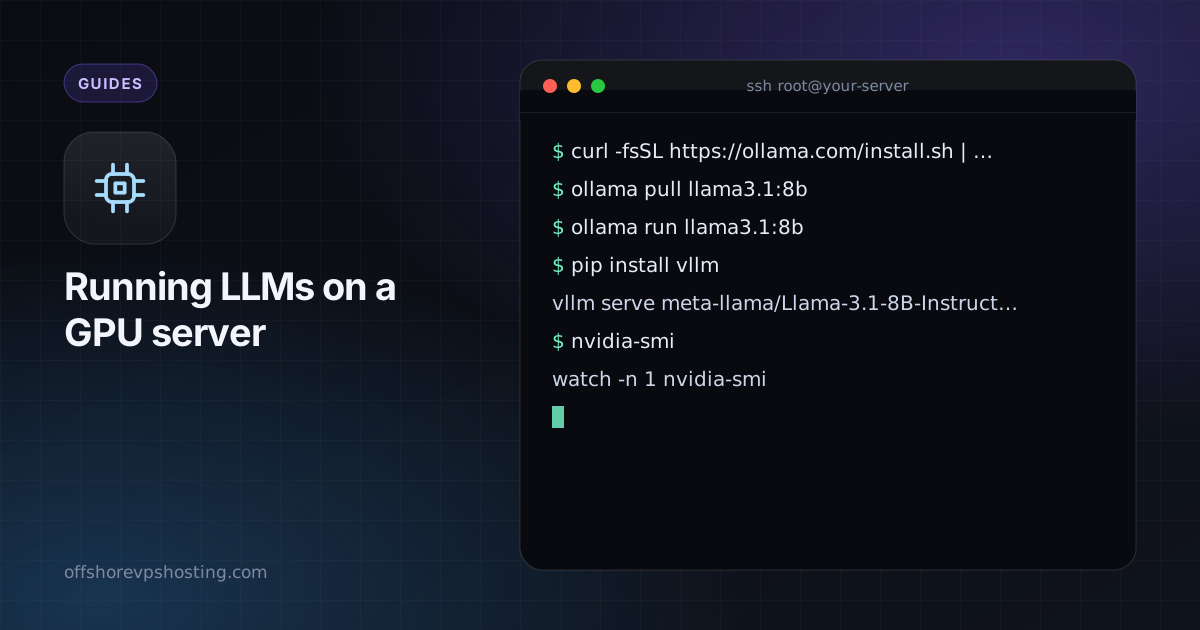
curl -fsSL https://ollama.com/install.sh | sh
ollama pull llama3.1:8b
ollama run llama3.1:8b
Ollama handles downloads, quantization and a local API on port 11434. Keep that port private, or put authentication in front of it.
Option 2: vLLM (best throughput)
pip install vllm
vllm serve meta-llama/Llama-3.1-8B-Instruct --max-model-len 8192
vLLM serves an OpenAI-compatible API and batches many requests, which makes it the better choice when several users or applications share one GPU. Some models require you to accept a licence on the model's page first.

Check that the GPU is used
nvidia-smi
watch -n 1 nvidia-smi
Memory use should jump when the model loads, and utilization should rise during generation. If both stay at zero, the model is running on the CPU.
Other things people run on rented GPUs
- Image generation (Stable Diffusion, ComfyUI).
- Fine-tuning small models with LoRA.
- Video and 3D rendering, and video transcoding.
- Speech-to-text with Whisper.
Cost sense
If you need a GPU for a few hours a week, renting by the month may still cost more than an API. If you run inference all day or need privacy, a dedicated GPU server usually wins. Work out your monthly token count before deciding.