















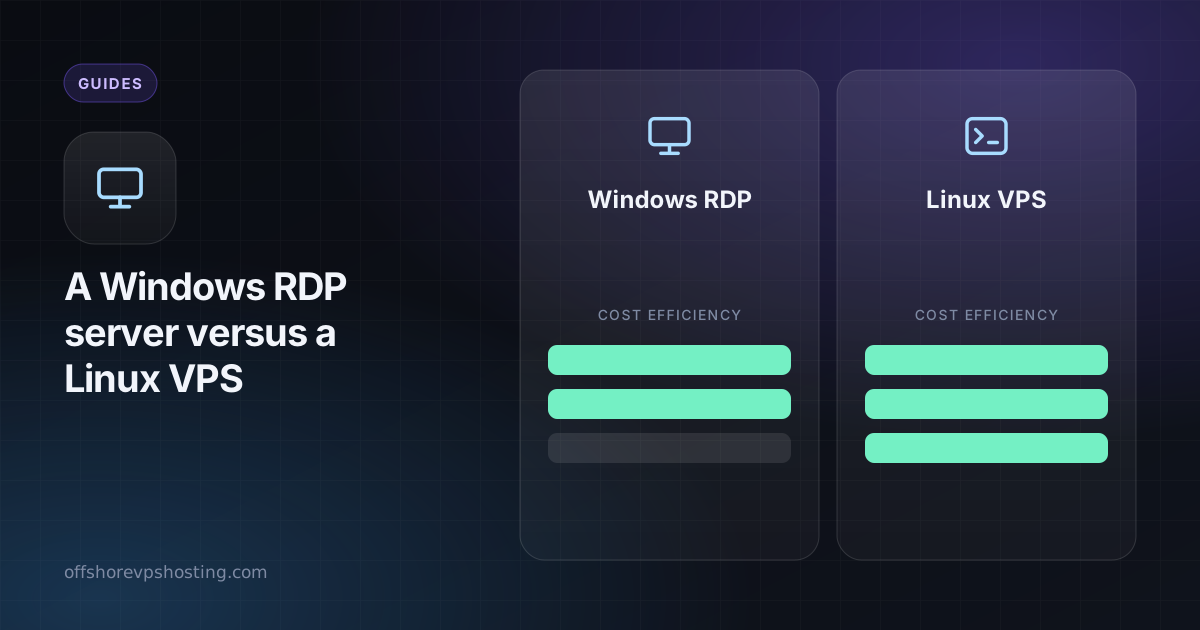
Both a Windows RDP server and a Linux VPS are remote computers you pay for by the month. The difference is what you run on them and how you use them. Pick on the software you need, not on price, because the right choice saves a lot of friction.
Windows RDP server
A Windows machine you control through Remote Desktop, with a full desktop. It runs Windows software the way a normal PC does.
- Best for: Windows-only apps, trading platforms like MetaTrader, browser automation with a visible desktop, QA testing, remote work with a familiar interface.
- Pros: graphical desktop, no command line needed, runs .exe software.
- Cons: uses more RAM and CPU, Windows licensing adds to the cost, and it is a heavier surface to secure.
See Windows RDP plans and what RDP is.
Linux VPS
A Linux server you control with SSH. It is lean, and most server software is built for it.
- Best for: websites, APIs, bots, databases, containers, VPNs, game servers, nodes.
- Pros: cheaper for the same power, light on resources, easy to automate.
- Cons: needs comfort with the command line.
See VPS plans and SSH keys explained.
Side by side
| Windows RDP | Linux VPS | |
|---|---|---|
| Access | Remote Desktop (graphical) | SSH (command line) |
| Software | Windows apps | Linux and open source |
| Resource use | Heavier | Lighter |
| Cost for the same specs | Higher (Windows licence) | Lower |
| Learning curve | Gentle | Steeper |
How to decide
- Does your software only run on Windows? Choose Windows RDP.
- Do you need a visible desktop, for example to watch a bot or use a trading terminal? Choose Windows RDP.
- Are you running a service, site or script? Choose a Linux VPS.
- Want the lowest cost and best performance per dollar? Choose a Linux VPS.
Can I have both?
Yes. Many people run a Windows RDP for a trading terminal and a small Linux VPS for a bot or API alongside it. Both are paid from the same balance, and both are available without ID. Read VPS for trading bots for how people combine them.