















Running image generation on your own GPU server means no prompt logs held by a third party, no content filters you did not choose and a cost that stays flat however many images you make. This guide sets up ComfyUI, a node-based interface for Stable Diffusion and similar models, on Ubuntu.
Choose the GPU
Video memory is the constraint. 8 GB runs SD 1.5 comfortably, 12 to 16 GB handles SDXL well and 24 GB gives room for newer, larger models and higher resolutions. If you are unsure, see consumer versus datacenter GPUs. Also leave about 50 GB of disk, because model files are large.
Step 1: check the driver
nvidia-smiIf it prints your GPU, the driver works. If not, install the recommended driver with sudo ubuntu-drivers autoinstall and reboot.
Step 2: install ComfyUI
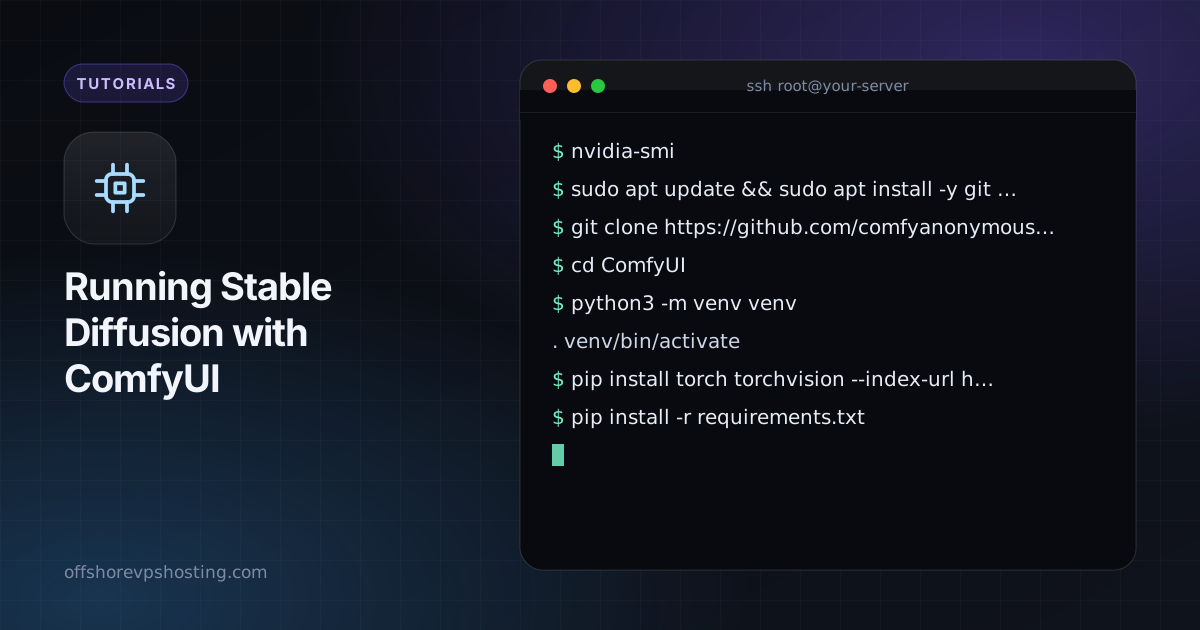
sudo apt update && sudo apt install -y git python3-venv
git clone https://github.com/comfyanonymous/ComfyUI
cd ComfyUI
python3 -m venv venv
. venv/bin/activate
pip install torch torchvision --index-url https://download.pytorch.org/whl/cu121
pip install -r requirements.txt
Match the CUDA wheel index to the version PyTorch recommends for your driver. Check their install page if the command above has moved on.
Step 3: add a model
Download a checkpoint you are licensed to use into ComfyUI/models/checkpoints/. Read the model's licence for commercial use before you build a product on it.
cd models/checkpoints
wget -O model.safetensors "https://example.com/path/to/model.safetensors"
Step 4: start it privately
By default ComfyUI listens only on localhost, which is what you want. Reach it through an SSH tunnel.
python main.py --listen 127.0.0.1 --port 8188ssh -L 8188:127.0.0.1:8188 user@your-serverOpen http://127.0.0.1:8188 on your own computer. Do not expose the port to the internet: there is no login by default.
Step 5: keep it running
sudo tee /etc/systemd/system/comfyui.service > /dev/null <<'UNIT'
[Unit]
Description=ComfyUI
After=network-online.target

[Service]
User=ubuntu
WorkingDirectory=/home/ubuntu/ComfyUI
ExecStart=/home/ubuntu/ComfyUI/venv/bin/python main.py --listen 127.0.0.1
Restart=on-failure

[Install]
WantedBy=multi-user.target
UNIT
sudo systemctl daemon-reload && sudo systemctl enable --now comfyui
Adjust the user and paths to match your server.
Cost and privacy compared with hosted tools
- Cost: an hourly GPU costs the same whether you make ten images or ten thousand. It beats per-image pricing when you generate in bulk, and loses when you generate rarely, so stop the server when idle.
- Privacy: prompts and outputs stay on a machine you control, and you can pay with Monero or other coins without an ID.
- Control: you pick the model, the sampler and the safety settings, and you take responsibility for how you use them.
For text models on the same hardware, see Ollama and Open WebUI.