















n8n is a workflow tool that connects apps, APIs and AI models with a visual editor. Self-hosting it means your workflows, credentials and data stay on a server you control, and runs are not metered. This guide deploys n8n with Docker Compose, a Postgres database and HTTPS, ready to run AI agents around the clock.
Why a VPS for agents?
Agents often run on schedules or react to webhooks, so they need a server that is always on and reachable. A VPS gives you a fixed address for webhooks and enough RAM to keep workflows responsive. A 2 vCPU, 4 GB plan suits a small setup. See AI agent hosting for sizes, and add a GPU server if you want local models.
Before you start
- A VPS with Docker. See installing Docker.
- A domain pointing at the server. See DNS records.
Step 1: Compose file
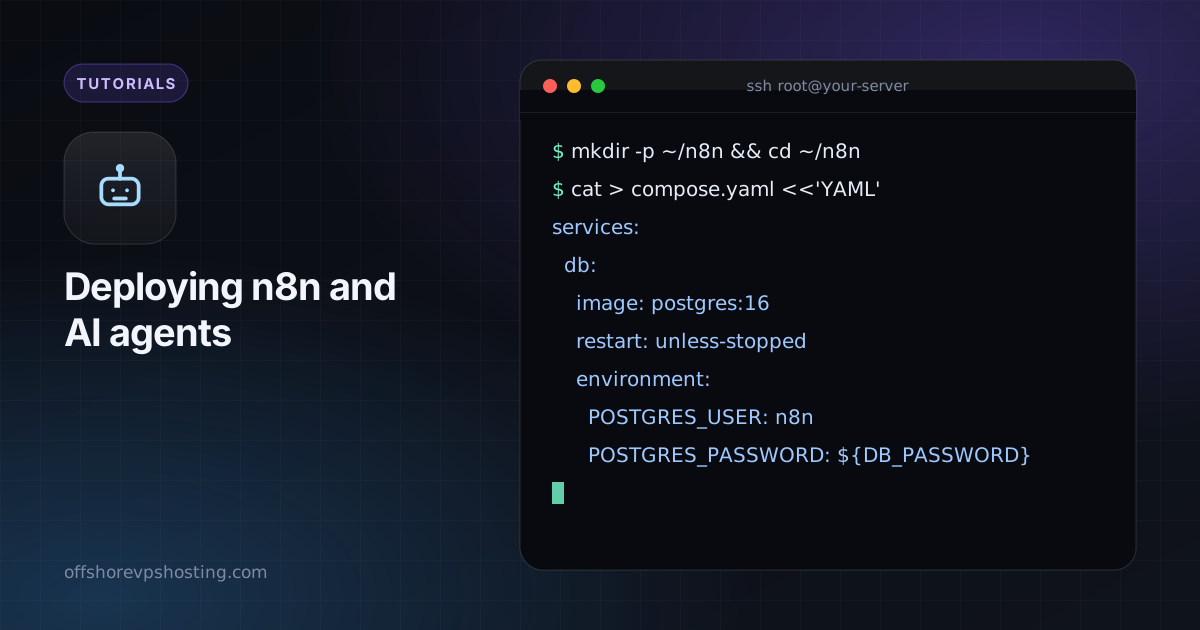
mkdir -p ~/n8n && cd ~/n8n
cat > compose.yaml <<'YAML'
services:
  db:
    image: postgres:16
    restart: unless-stopped
    environment:
      POSTGRES_USER: n8n
      POSTGRES_PASSWORD: ${DB_PASSWORD}
      POSTGRES_DB: n8n
    volumes:
      - db:/var/lib/postgresql/data

  n8n:
    image: n8nio/n8n:latest
    restart: unless-stopped
    depends_on: [db]
    environment:
      DB_TYPE: postgresdb
      DB_POSTGRESDB_HOST: db
      DB_POSTGRESDB_USER: n8n
      DB_POSTGRESDB_PASSWORD: ${DB_PASSWORD}
      N8N_HOST: n8n.example.com
      N8N_PROTOCOL: https
      WEBHOOK_URL: https://n8n.example.com/
      N8N_ENCRYPTION_KEY: ${ENCRYPTION_KEY}
      GENERIC_TIMEZONE: UTC
    ports:
      - "127.0.0.1:5678:5678"
    volumes:
      - n8n:/home/node/.n8n

volumes:
  db:
  n8n:
YAML
Step 2: secrets
cat > .env <<ENV
DB_PASSWORD=$(openssl rand -hex 24)
ENCRYPTION_KEY=$(openssl rand -hex 32)
ENV
chmod 600 .env
Back up ENCRYPTION_KEY. Without it, n8n cannot decrypt the credentials it has stored.

Step 3: start n8n
docker compose up -d
docker compose logs -f n8n
Step 4: HTTPS
n8n.example.com {
  reverse_proxy 127.0.0.1:5678
}
Reload Caddy, open the site and create the owner account.
Step 5: build an agent workflow
- Add a Webhook or Schedule trigger.
- Add an AI Agent node and connect a chat model, for example a hosted API, or Ollama on your own GPU server.
- Give the agent tools such as HTTP requests, a database or a messaging node.
- Test with a manual run, then activate the workflow.
Keep it safe
- Bind n8n to 127.0.0.1 and expose only the HTTPS proxy.
- Protect webhooks with a secret header or path where possible.
- Back up the Postgres volume and the n8n volume. See backups with restic or borg.
- Update with
docker compose pull && docker compose up -dafter reading the release notes.