















A Discord bot connects to Discord's gateway and stays connected, so it needs a machine that is always on. A small VPS is cheap, stays online and does not depend on your home internet. This guide deploys a Node.js bot with discord.js and keeps it alive with systemd.
What size VPS?
1 vCPU and 1 to 2 GB of RAM is enough for most bots. Larger bots that cache many servers or process audio need more. See Discord bot hosting for plans.
Step 1: create the bot in Discord
- Open the Discord Developer Portal and create a new application.
- Add a Bot, copy its token and keep it secret.
- Under OAuth2, generate an invite link with the
botandapplications.commandsscopes and add the bot to your server.
Step 2: install Node.js
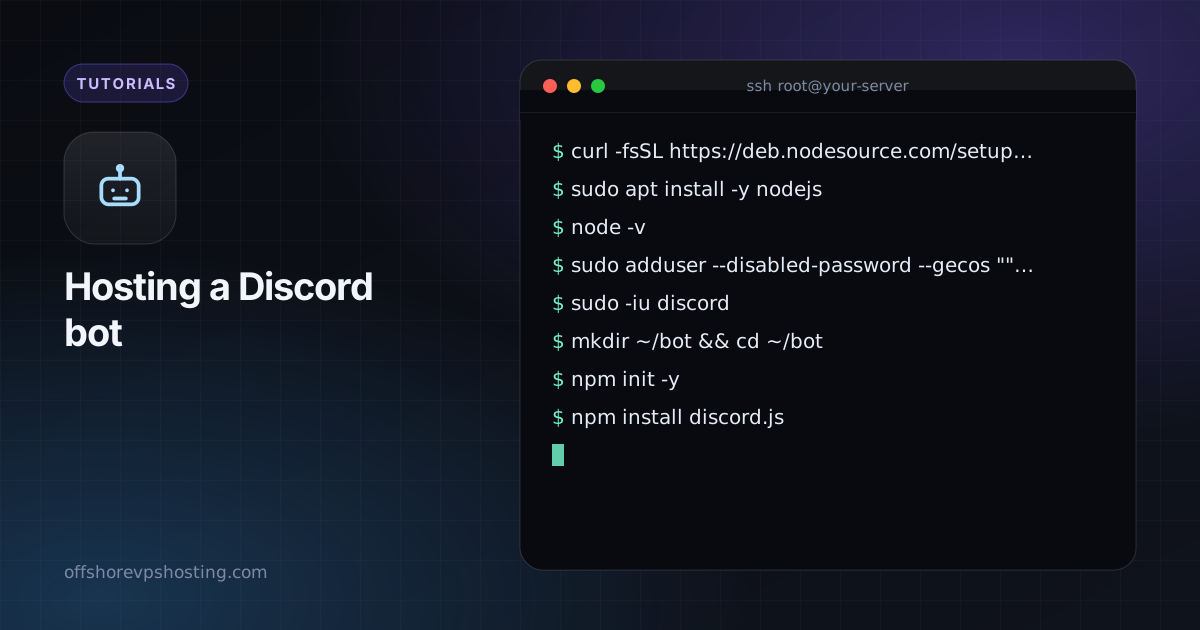
curl -fsSL https://deb.nodesource.com/setup_22.x | sudo -E bash -
sudo apt install -y nodejs
node -v
sudo adduser --disabled-password --gecos "" discord
Step 3: write the bot
sudo -iu discord
mkdir ~/bot && cd ~/bot
npm init -y
npm install discord.js
// index.js
const { Client, GatewayIntentBits } = require('discord.js');
const client = new Client({ intents: [GatewayIntentBits.Guilds] });
client.once('ready', () => console.log('Logged in as ' + client.user.tag));
client.on('interactionCreate', async (i) => {
if (i.isChatInputCommand() && i.commandName === 'ping') await i.reply('Pong!');
});
client.login(process.env.DISCORD_TOKEN);Register the /ping slash command once using the method in the discord.js guide.
Step 4: keep the token out of the code
echo "DISCORD_TOKEN=your-token-here" > ~/bot/.env
chmod 600 ~/bot/.env
Step 5: run it with systemd
[Unit]
Description=Discord bot
After=network-online.target

[Service]
User=discord
WorkingDirectory=/home/discord/bot
EnvironmentFile=/home/discord/bot/.env
ExecStart=/usr/bin/node index.js
Restart=always
RestartSec=5

[Install]
WantedBy=multi-user.target
sudo systemctl daemon-reload
sudo systemctl enable --now discordbot
journalctl -u discordbot -fName the file /etc/systemd/system/discordbot.service.
Good habits
- Use only the intents you need. Privileged intents must be switched on in the portal.
- If a token ever leaks, reset it in the portal at once.
- Restart on failure is set above. Add monitoring if the bot matters to a community.