















A fresh web server is scanned within minutes of going online. Most of that traffic is automated and harmless if you have done the basics. This guide goes one step beyond the 15-minute hardening and covers a firewall, brute-force protection with fail2ban and a safer Nginx setup.
Step 1: a default-deny firewall with UFW
Allow only what you need, and block the rest. Add SSH first so you do not lock yourself out.
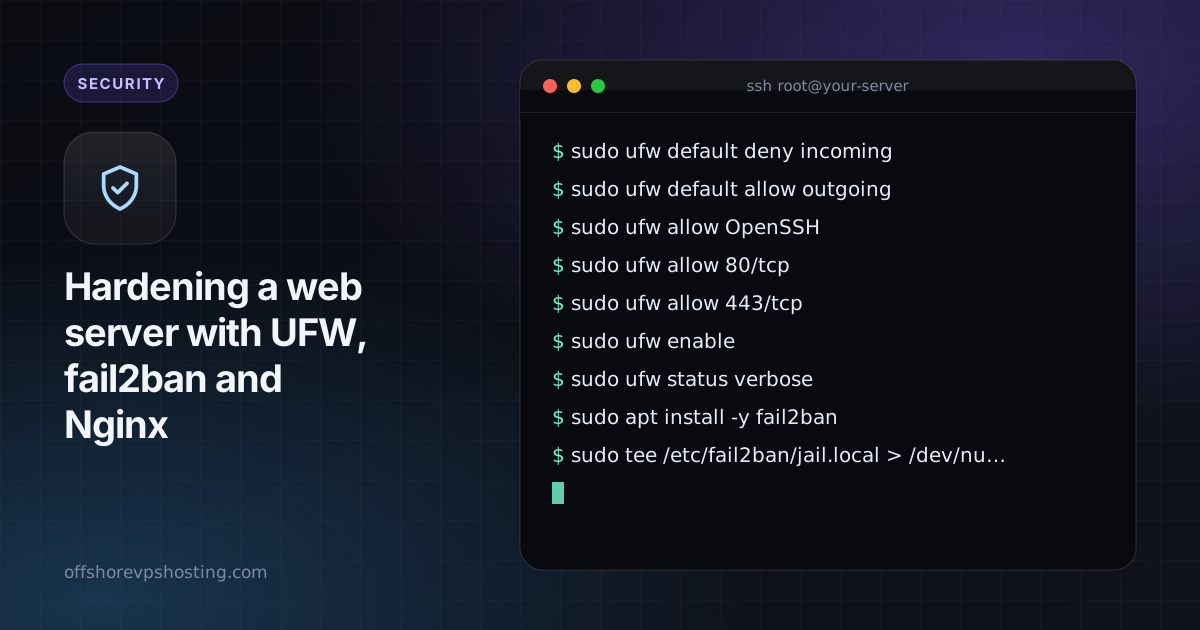
sudo ufw default deny incoming
sudo ufw default allow outgoing
sudo ufw allow OpenSSH
sudo ufw allow 80/tcp
sudo ufw allow 443/tcp
sudo ufw enable
sudo ufw status verbose
If you use a non-standard SSH port, allow that port instead of OpenSSH.
Step 2: fail2ban for repeated failures
fail2ban watches logs and bans IP addresses that keep failing to log in.
sudo apt install -y fail2ban
sudo tee /etc/fail2ban/jail.local > /dev/null <<'CONF'
[DEFAULT]
bantime  = 1h
findtime = 10m
maxretry = 5

[sshd]
enabled = true

[nginx-http-auth]
enabled = true

[nginx-botsearch]
enabled = true
CONF
sudo systemctl enable --now fail2ban
sudo fail2ban-client status sshd
Use SSH keys and turn off password login too. See SSH keys explained.
Step 3: hide the Nginx version and add safe headers
In /etc/nginx/nginx.conf, inside the http block:
server_tokens off;In your site's server block:
add_header X-Content-Type-Options "nosniff" always;
add_header X-Frame-Options "SAMEORIGIN" always;
add_header Referrer-Policy "strict-origin-when-cross-origin" always;
add_header Strict-Transport-Security "max-age=31536000; includeSubDomains" always;
Only add the HSTS header once HTTPS works for your domain and all subdomains you use.

Step 4: limit abusive requests
Rate limiting slows down brute-force attempts on login pages:
# in the http block
limit_req_zone $binary_remote_addr zone=login:10m rate=5r/m;

# in your server block
location = /wp-login.php {
    limit_req zone=login burst=5 nodelay;
    # ...your usual PHP handling
}
Test and apply with sudo nginx -t && sudo systemctl reload nginx.
Step 5: keep it updated
sudo apt install -y unattended-upgrades
sudo dpkg-reconfigure --priority=low unattended-upgrades
Automatic security updates close known holes without you doing anything.
What to watch
- Check bans with
sudo fail2ban-client status sshd. - Review
/var/log/nginx/error.logoccasionally. - If you are behind a proxy or CDN, make sure fail2ban reads the real client IP, or you may ban your own proxy.