















Most hosting plans promise DDoS protection. That usually means filtering large floods of junk packets (layers 3 and 4) before they reach your server. It does not stop a thousand "real" browsers loading your slowest page at once. Those application-layer (layer 7) attacks look like ordinary visitors, and you must handle them yourself. See what DDoS protection is for the background.
Know the difference
- Volumetric floods: fill the network pipe. The host or upstream filters these.
- Protocol attacks: exhaust connection tables. Mostly handled by the network.
- Layer 7 attacks: valid-looking HTTP requests that use up CPU, database or workers. These reach your application.
Step 1: rate limit in Nginx
Cap how fast one address can make requests. Define a zone in the http block and apply it to your site.
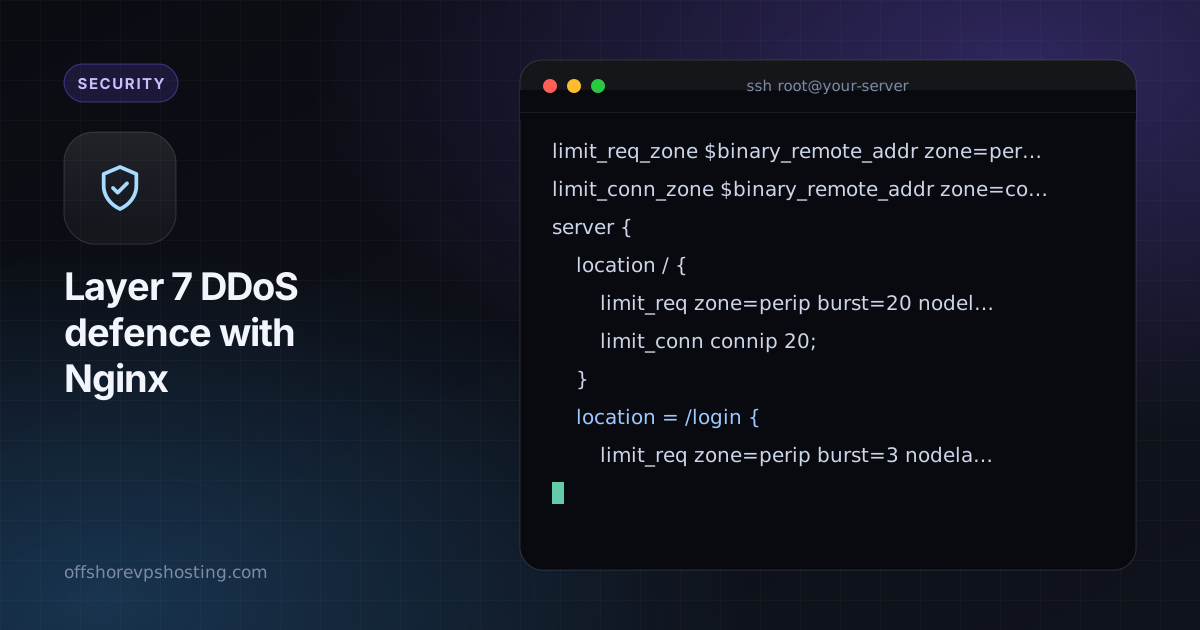
limit_req_zone $binary_remote_addr zone=perip:10m rate=10r/s;
limit_conn_zone $binary_remote_addr zone=connip:10m;

server {
    location / {
        limit_req zone=perip burst=20 nodelay;
        limit_conn connip 20;
    }
    location = /login {
        limit_req zone=perip burst=3 nodelay;
    }
}
Use a much tighter limit on logins and search, since those are expensive.
Step 2: cache what you can
A cached page costs almost nothing to serve. Turn on FastCGI or proxy caching for anonymous traffic, even for 30 to 60 seconds. It turns a flood of identical requests into a handful of real ones.
fastcgi_cache_path /var/cache/nginx levels=1:2 keys_zone=site:50m inactive=10m;
fastcgi_cache site;
fastcgi_cache_valid 200 60s;
fastcgi_cache_use_stale updating error timeout;
Step 3: set sane timeouts
Slow-connection attacks hold workers open. Shorten the limits.
client_body_timeout 10s;
client_header_timeout 10s;
send_timeout 15s;
keepalive_timeout 15s;
client_max_body_size 5m;
Step 4: ban repeat offenders with fail2ban
Ban addresses that trip the rate limiter. Nginx logs rejected requests to the error log, and a filter can match them.
[nginx-limit-req]
enabled  = true
filter   = nginx-limit-req
logpath  = /var/log/nginx/error.log
maxretry = 10
findtime = 60
bantime  = 1h
Step 5: put a proxy in front when it gets serious
A reverse proxy or CDN with bot challenges can absorb attacks that a single VPS cannot. Remember to protect the origin as described in keeping your origin IP secret, or attackers will go around it.
Be ready before it happens
- Know your slowest pages and fix or cache them.
- Keep monitoring so you notice a spike quickly.
- Have a plan: tighter limits, a maintenance page, a larger server.
The basics in the UFW and fail2ban guide go with this one.