















Matrix is an open chat network. When you run your own Matrix homeserver, your messages and accounts live on your server, and you can still talk to people on other Matrix servers. This guide installs Synapse, the reference homeserver, with Docker and PostgreSQL behind HTTPS.
What to know first
- Federation. Your server can talk to others, which means it uses bandwidth and disk to store rooms you join. Small private servers are light. Joining very large public rooms is not.
- Size. 2 vCPUs and 4 GB of RAM suits a small group. See Matrix server hosting.
- Domain. You need a domain. The server name (for example
example.com) is part of every user ID and cannot be changed later.
Step 1: generate the config
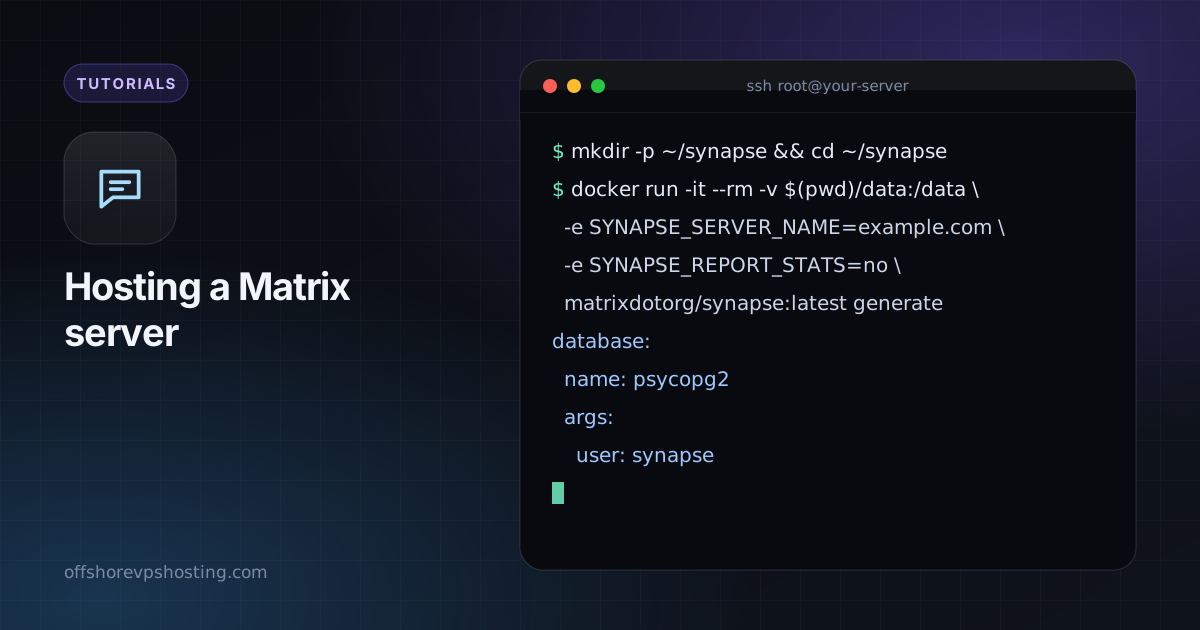
mkdir -p ~/synapse && cd ~/synapse
docker run -it --rm -v $(pwd)/data:/data \
  -e SYNAPSE_SERVER_NAME=example.com \
  -e SYNAPSE_REPORT_STATS=no \
  matrixdotorg/synapse:latest generate
Step 2: switch to PostgreSQL
SQLite is the default, but PostgreSQL is better for anything beyond a test. Edit data/homeserver.yaml and replace the database block:
database:
  name: psycopg2
  args:
    user: synapse
    password: CHANGE_ME
    database: synapse
    host: db
    cp_min: 5
    cp_max: 10
Step 3: Compose file
services:
  db:
    image: postgres:16
    restart: unless-stopped
    environment:
      POSTGRES_USER: synapse
      POSTGRES_PASSWORD: CHANGE_ME
      POSTGRES_DB: synapse
      POSTGRES_INITDB_ARGS: "--encoding=UTF-8 --lc-collate=C --lc-ctype=C"
    volumes:
      - ./pgdata:/var/lib/postgresql/data
  synapse:
    image: matrixdotorg/synapse:latest
    restart: unless-stopped
    depends_on: [db]
    ports:
      - "127.0.0.1:8008:8008"
    volumes:
      - ./data:/data
docker compose up -d
docker compose logs -f synapseStep 4: HTTPS and federation
Serve Synapse at matrix.example.com and publish a delegation file so your server name stays example.com:
matrix.example.com {
  reverse_proxy 127.0.0.1:8008
}

example.com {
  handle /.well-known/matrix/server {
    header Content-Type application/json
    respond `{"m.server": "matrix.example.com:443"}`
  }
  handle /.well-known/matrix/client {
    header Content-Type application/json
    header Access-Control-Allow-Origin *
    respond `{"m.homeserver": {"base_url": "https://matrix.example.com"}}`
  }
}
Test federation with the Matrix Federation Tester once DNS is live.
Step 5: create users and lock registration
docker compose exec synapse register_new_matrix_user -c /data/homeserver.yaml http://localhost:8008Keep enable_registration set to false in homeserver.yaml unless you want open sign-ups.
Clients and care
Use Element or any Matrix client and log in with your server name. Back up the data folder and the Postgres data, and keep Synapse updated. Read server hardening first.