















Solana is the most demanding chain to run yourself. A validator or full RPC node needs a very fast CPU, a large amount of RAM and fast NVMe disks, and the requirements keep changing. This guide explains what that means in practice, so you can decide whether you need your own node or a smaller setup.
Validator, RPC node or neither?
- Validator. Votes on blocks and needs the full hardware spec, a funded vote account and constant uptime.
- RPC node. Serves requests for apps, bots and indexers. It does not vote, but it still needs similar hardware, and more RAM if you enable account indexes.
- Lighter use. If you only send a few transactions or read a little data, a paid RPC endpoint is usually cheaper than running a node.
Check the official Solana validator requirements before buying. They are published in the Solana and Agave documentation and they change with the network. As a rough guide, expect hundreds of GB of RAM for a busy RPC node and several fast NVMe drives. That is dedicated server territory, not a small VPS. Our Solana node hosting page lists the sized options.
Step 1: prepare the server
Use Ubuntu LTS and the steps in how to secure a new VPS. Create a dedicated user and put the ledger and accounts on separate NVMe drives if you have more than one.
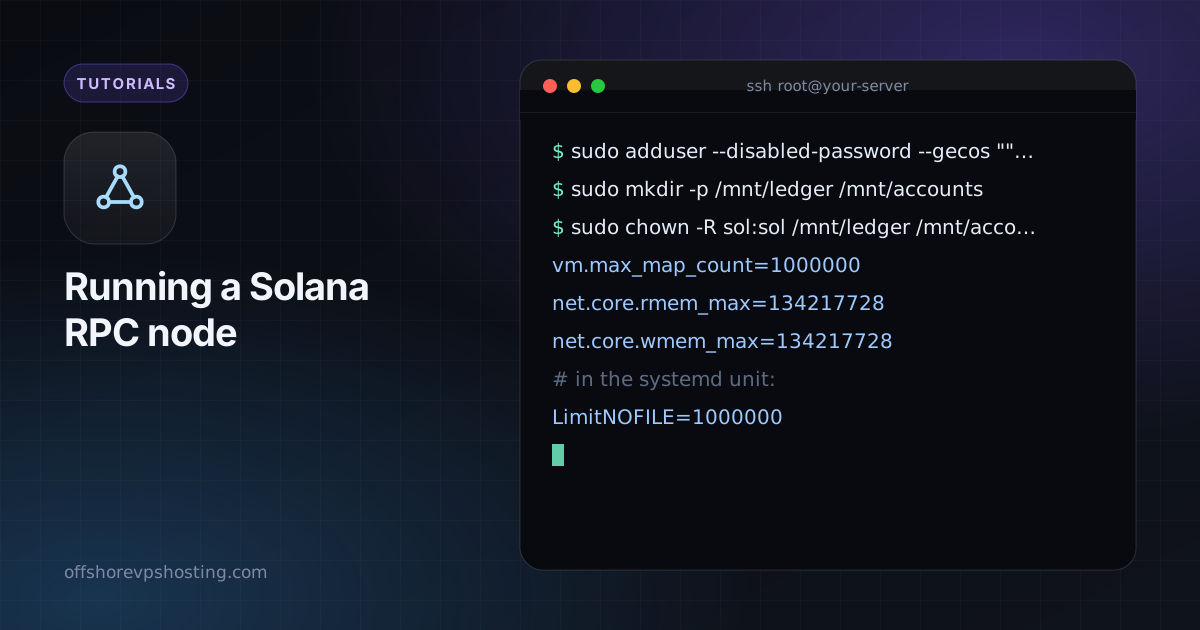
sudo adduser --disabled-password --gecos "" sol
sudo mkdir -p /mnt/ledger /mnt/accounts
sudo chown -R sol:sol /mnt/ledger /mnt/accounts
Step 2: raise the system limits
Solana opens many files and uses large memory maps. Add these to /etc/sysctl.d/21-solana.conf and to your systemd unit:
vm.max_map_count=1000000
net.core.rmem_max=134217728
net.core.wmem_max=134217728

# in the systemd unit:
LimitNOFILE=1000000
Apply with sudo sysctl --system.
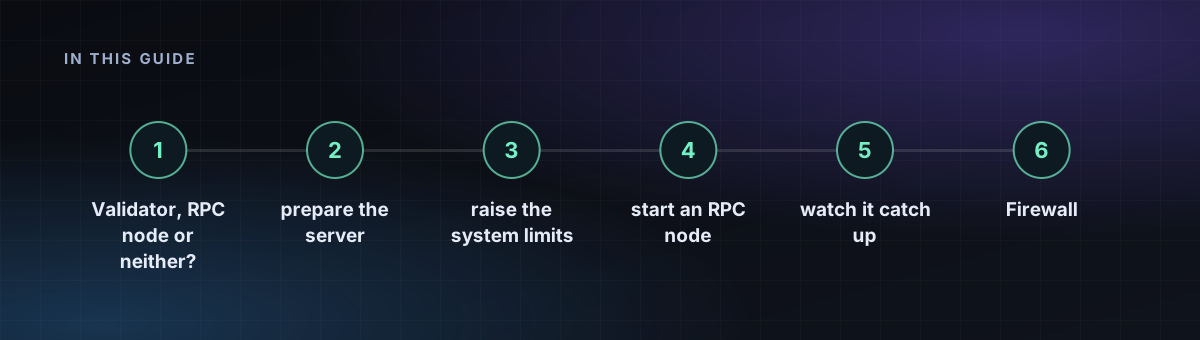
Step 3: install the validator software
Install the current Agave release (the Solana validator client) using the method in the official docs, and verify it. Then check the version:
agave-validator --version
solana --version
Step 4: start an RPC node
This is a typical shape of the start command for a non-voting RPC node. Use the known validators and entrypoints from the official documentation for your cluster.
agave-validator \
  --identity /home/sol/identity.json \
  --ledger /mnt/ledger \
  --accounts /mnt/accounts \
  --entrypoint ENTRYPOINT:8001 \
  --known-validator KNOWN_VALIDATOR_PUBKEY \
  --only-known-rpc \
  --rpc-port 8899 \
  --private-rpc \
  --no-voting \
  --full-rpc-api \
  --limit-ledger-size \
  --log /var/log/solana/validator.log
Replace the placeholders with values from the docs. --private-rpc keeps the RPC port from being advertised to the network, and you should still keep it closed with the firewall.
Step 5: watch it catch up
solana catchup --our-localhost
solana-validator --ledger /mnt/ledger monitor
Catch-up from a snapshot takes from minutes to hours. If the node falls behind and never recovers, your disk or network is usually the cause.
Firewall
Allow the gossip and TPU port range described in the docs (the default range is 8000 to 10000) and keep RPC (8899 and 8900) private. Put a reverse proxy with authentication in front if you must serve RPC to other machines.