















Hosting comes in three main shapes: shared web hosting, a VPS and a dedicated server. They differ in how much of the machine is yours, how much control you get and how much you pay. Here is a plain comparison and a way to choose.
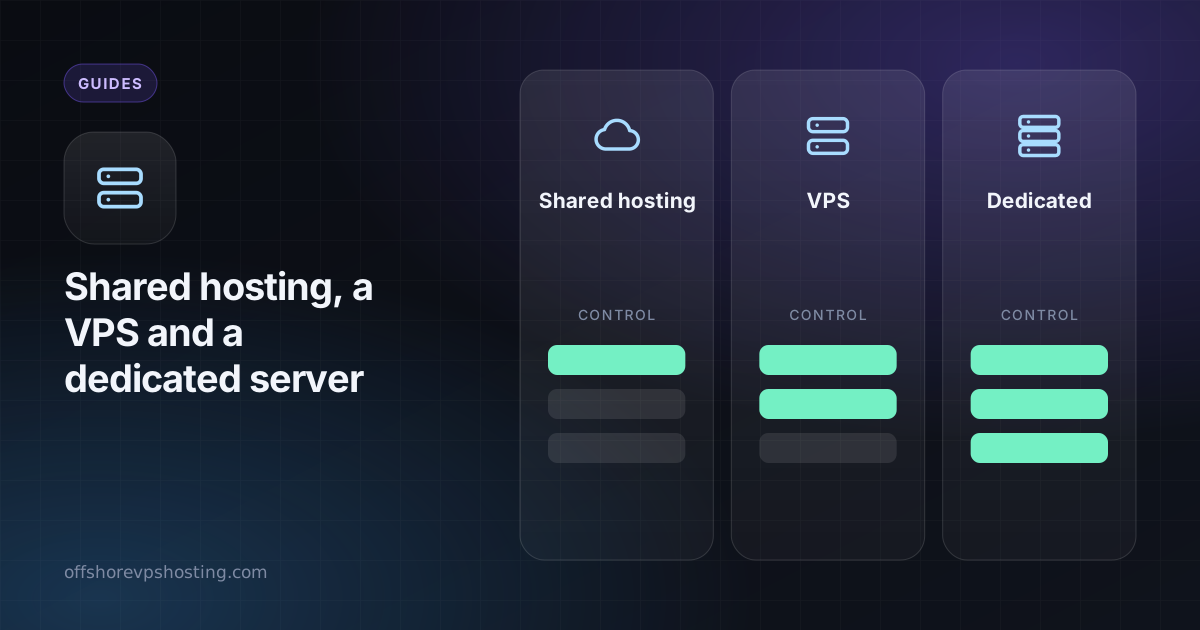
Shared (web) hosting
Many websites run on one server, managed for you. You do not get root access. You upload files or use a one-click install and manage everything in a control panel.
- Good for: blogs, small business sites, WordPress, simple apps.
- Pros: cheapest, no server management, email and SSL included.
- Cons: limited control, shared resources, no custom software.
VPS (virtual private server)
A slice of a physical server with guaranteed CPU, RAM and disk, and full root access. You install what you want and you manage updates and security.
- Good for: apps, APIs, bots, VPNs, game servers, databases, anything custom.
- Pros: full control, scales in steps, fixed resources.
- Cons: you run the server yourself.
Dedicated server
A whole physical machine for you alone. No neighbours and the highest performance for the money at scale.
- Good for: large databases, blockchain nodes, heavy workloads, steady high CPU or disk use.
- Pros: maximum performance and disk, predictable.
- Cons: higher fixed cost, and you manage everything.
Side by side
| Shared hosting | VPS | Dedicated | |
|---|---|---|---|
| Root access | No | Yes | Yes |
| You manage the OS | No | Yes | Yes |
| Resources | Shared | Guaranteed share | Whole machine |
| Best for | Websites | Apps and tools | Heavy workloads |
| Relative cost | Lowest | Middle | Highest |
How to choose
- Just a website? Start with web hosting. It is the simplest and cheapest.
- Need to install your own software? Use a VPS.
- Running something heavy and constant? Look at dedicated servers.
- Need a GPU? See the VPS vs dedicated vs GPU comparison.
You can move up later
Starting small is fine. A website that outgrows shared hosting moves to a VPS, and a VPS that gets busy moves to a dedicated machine. See VPS vs dedicated server for that step.